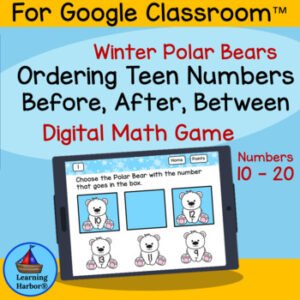
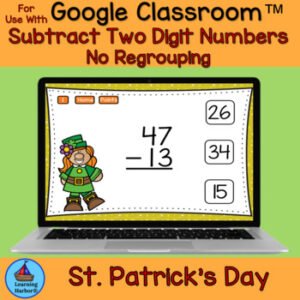
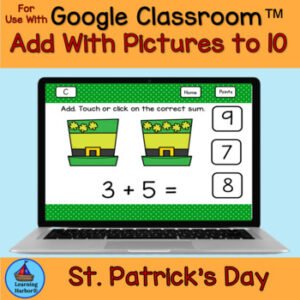
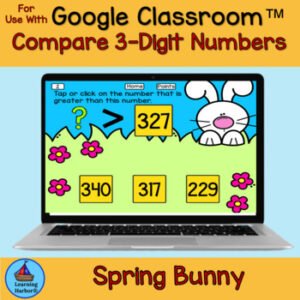
This St Patrick’s Day Cookies themed activity for use with Google Slides™ or Google Classroom™ provides self-correcting practice in identifying which set has more or fewer objects. This resource is designed for effective use in classroom, homeschool and tutoring environments. Students will love this engaging comparing numbers activity. Students receive immediate feedback and positive reinforcement with this interactive Google Slide™ deck game that is easy for teachers and parents to use. Teachers can choose whether or not to use the points slide for some friendly competition.
$3.00
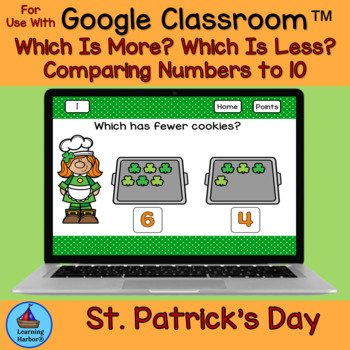
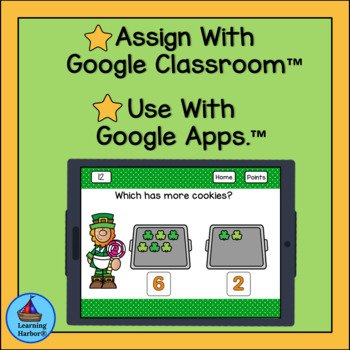
This St Patrick’s Day Cookies themed activity for use with Google Slides™ or Google Classroom™ provides self-correcting practice in identifying which set has more or fewer objects. This resource is designed for effective use in classroom, homeschool and tutoring environments. Students will love this engaging comparing numbers activity. Students receive immediate feedback and positive reinforcement with this interactive Google Slide™ deck game that is easy for teachers and parents to use. Teachers can choose whether or not to use the points slide for some friendly competition.
How will students use this activity?
☀Student will use this activity in PRESENT Mode.
☀Students will click on an image on the home page and be taken to a random slide with a picture of a dog and two numbered pictured of jars of dog treats.
☀Students will decide if the which jar has more or fewer dog treats and touch or click their answer.
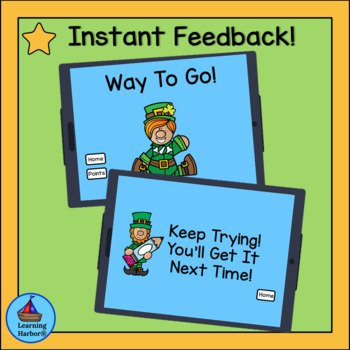
☀ If the student clicks on a correct answer, a slide with “Way to Go!” will pop up.
☀ The student clicks on the home button on the Way to Go page. to go back to the homepage and click on a new image to go to a new slide.
☀If the student clicks on an incorrect answer a slide with “Try Again, You’ll Get It Next Time” will pop up.
☀The student clicks on the home button on the Try Again, You’ll Get It Next Time page to go back to the homepage. He clicks on the same image to try the same slide again.
Points
☀ If the teacher chooses to use points, the student clicks the points button on theWay to Go slide and the home button on the points slide.
☀Students can tally correct answers on the tally slide projected on an interactive white board, if you wish or you can copy the black and white points slide for students to use.
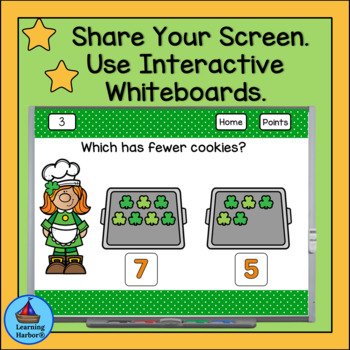
☀ When teaching online you can use a shared screen to display the points slide. You can play the game from a shared screen and have the students answer on whiteboards and hold up their answers for you to see.
When you purchase this resource, you will download a PDF with Directions for Teachers. The Link to the Resource will be in the PDF.
This resource can be used for:
★Distance Learning
★Learning at Home
★Spiral review
★Literacy stations/centers/rotations
★Individual students using computers or tablets
★Small groups
★Tutoring
★Parent volunteers
★Interns/student teachers
★Early finishers
★Older class buddies
★Interactive whiteboards
★Enrichment
★Reinforcement
★Computer Lab and 1:1 computer time
Related Products
❤️ Comparing Numbers Which Has More? Which Has Less? Pumpkin Farm Kids
❤️ Comparing Numbers Which Is More? Bats for Google Classroom™ Distance Learning
❤️ Distance Learning Comparing Numbers Which is Less? Pencils and Backpack Kids
❤️ Distance Learning Comparing Numbers. Which is Greater? Backpack Kids
❤️Distance Learning Use With Google Classroom™ Comparing Numbers More and Fewer
❤️ Distance Learning Use With Google Classroom™ Comparing Numbers Which has Fewer
❤️Distance Learning Use With Google Classroom™ Comparing Numbers Which has More
❤️Distance Learning for Google Classroom Comparing Numbers Bundle Fewer More
Related Products
How will using Interactive Self-Correcting Google Slides™ activities benefit you and your students?
♥The activities use up to date technology.
♥ The activities are paperless and no prep! Just download and teach.
♥The activities work on any computer or device that operates Google Slides™.
♥The activities are engaging so students spend more time on task.
♥The activities improve students’ dexterity and computer skills.
⭐Teacher Tips⭐
How to get TPT credit to use on future purchases.
★Please go to your My Purchases page. (You may need to log in). Beside each purchase you’ll see a Provide Feedback button. Simply click it and you will be taken to a page where you can give a quick rating and leave a short comment for the product..
★Each time you give feedback, TPT gives you feedback credits that you use to lower the cost of your future purchases.
★I value your feedback greatly as it helps me determine which products are most valuable for your classroom, so that I can create more for you.
Be the first to know about my new freebies, product launches and special goodies for followers only!
★Look for the green star next to my store logo and click it to become a follower. Voila! You will now receive one email update each month about Learning Harbor Resources for Teachers.