This resource is designed for effective use in classroom, homeschool and tutoring environments.
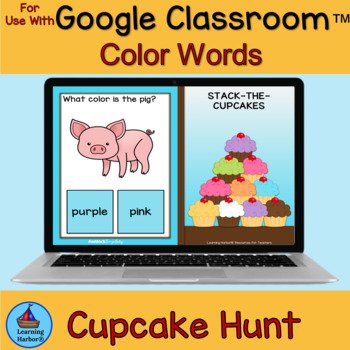
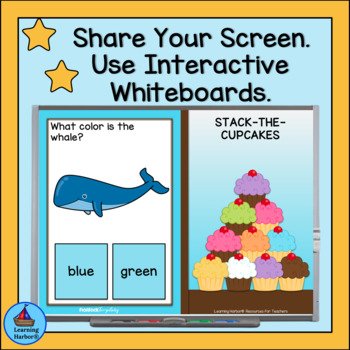
This digital game is a fun way for students to practice colors and color words. Students can use this game individually, or in small groups. Students learn color words in both math and language arts. Teachers can project the game onto a whiteboard or share their screen for large groups.
You will receive a PDF with a link to your game.
This trail game style digital game contains 30 question slides, 10 Congrats! Slides, 3 You earned a ribbon! slides, and 11 digital gameboards. The objective of the game is to unlock all the locks by answering three questions for each lock. The student is rewarded with CUPCAKES on the next gameboard, “CONGRATS” slides and RIBBONS as well as a growing stack of CUPCAKES on the question slides. Great for students with special need and students with Autism. Wonderful alternative to worksheets.
How To Play
•Start on slide one. Click on the first lock. Go to the first question slide.
•Click on your answer choice.
•If you are correct, you will see the next question slide.
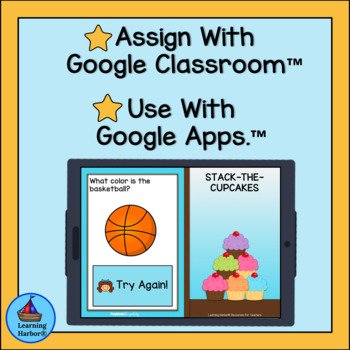
•If you are not correct, you will see a “Try Again” slide. Click on the rectangle that has “try again” written on it. You will go back to the slide you just answered and try again.
•With each correct answer, the stack of cupcakes grows.
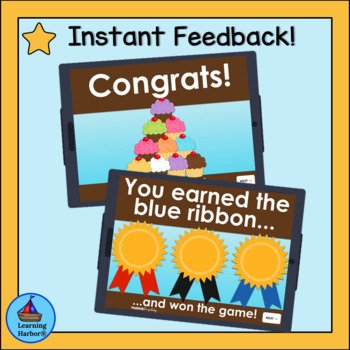
•When you have answered three slides correctly, you will see a Congrats” slide. Click on the “next” button.
•Three times during the game you will see a “You earned a ribbon slide.” Click on the “next” button.
•When you have answered all 30 questions correctly, you will see a Congrats! Slide with all 10 cupcakes. Click the “next” button. You will see a slide with all three ribbons. Click the “next” button. You will see the last gameboard with all ten cupcakes and the words “You Won”
•Click the “Play Again” button to start the game over.