Are you looking for a grammar, parts of speech Google Classroom, distance learning resource that will keep students engaged? This resource is designed for effective use in classroom, homeschool and tutoring environments.
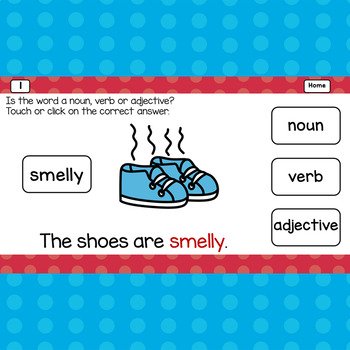
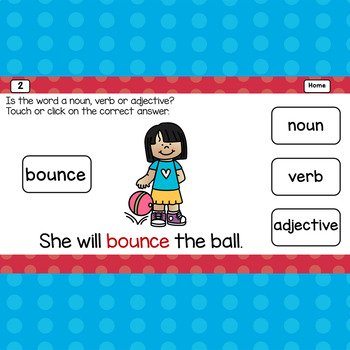
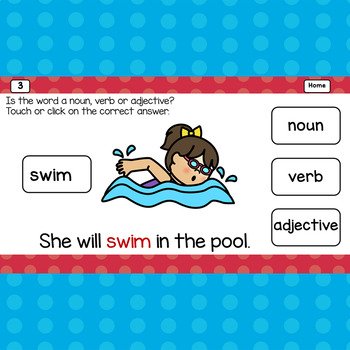
This digital game show activity will have students actively choose the noun, verb or adjective. Easy to follow written and picture directions make this game teacher, parent, and student friendly. It is engaging for whole group instruction in distance learning or the regular classroom setting. It can also be used in small groups or by individual students. The students get immediate, supportive, reinforcement from this self-correcting activity. This resource is appropriate for first grade and second grade students. It can be used with any device that runs Google Slides and it works with Google Classroom.
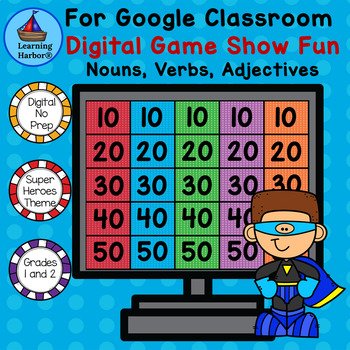
Students will love the fun digital game show format. The digital game show includes 59 hyperlinked Google Slides. The first 7 slides include the cover slide, 2 written directions slides, and 4 illustrated directions slides. There are 25 questions slides. The rest of the slides are reward slides for correct answers and the keep trying slide.
When you purchase this resource, you will download a PDF with Directions for Teachers. The Link to the Resource will be in the PDF.
How to Play
1. The player starts on the Homepage, Slide 8.
2. The player clicks on a numbered square.
3. A question slide appears.
4. The player clicks on an answer choice.
5. If the answer choice is correct, a reward slide appears.
6. The player clicks on the Home Button on the Reward Slide to return to the
Homepage
7. If the answer choice is incorrect, a “Keep Trying” slide appears.
8. The player clicks on the Home Button on the “Keep Trying” slide appears. The
player clicks on the Home Button. The player clicks on the same numbered square
on the game board to try again.
This resource can be used for:
★Distance Learning
★Learning at Home
★Spiral review
★Literacy stations/centers/rotations
★Individual students using computers or tablets
★Small groups
★Tutoring
★Parent volunteers
★Interns/student teachers
★Early finishers
★Interactive whiteboards
★Enrichment
★Reinforcement
★Computer Lab and 1:1 computer time
How will using Google Classroom™ activities benefit you and your students?
They are paperless and no prep! Just download and teach. They work on any computer or device that operates Google Slides™. They are engaging so students spend more time on task. They improve students’ dexterity and computer skills.